
Phone running slowly, charging slowly or low brightness?
See if your device is overheating using Thermals.

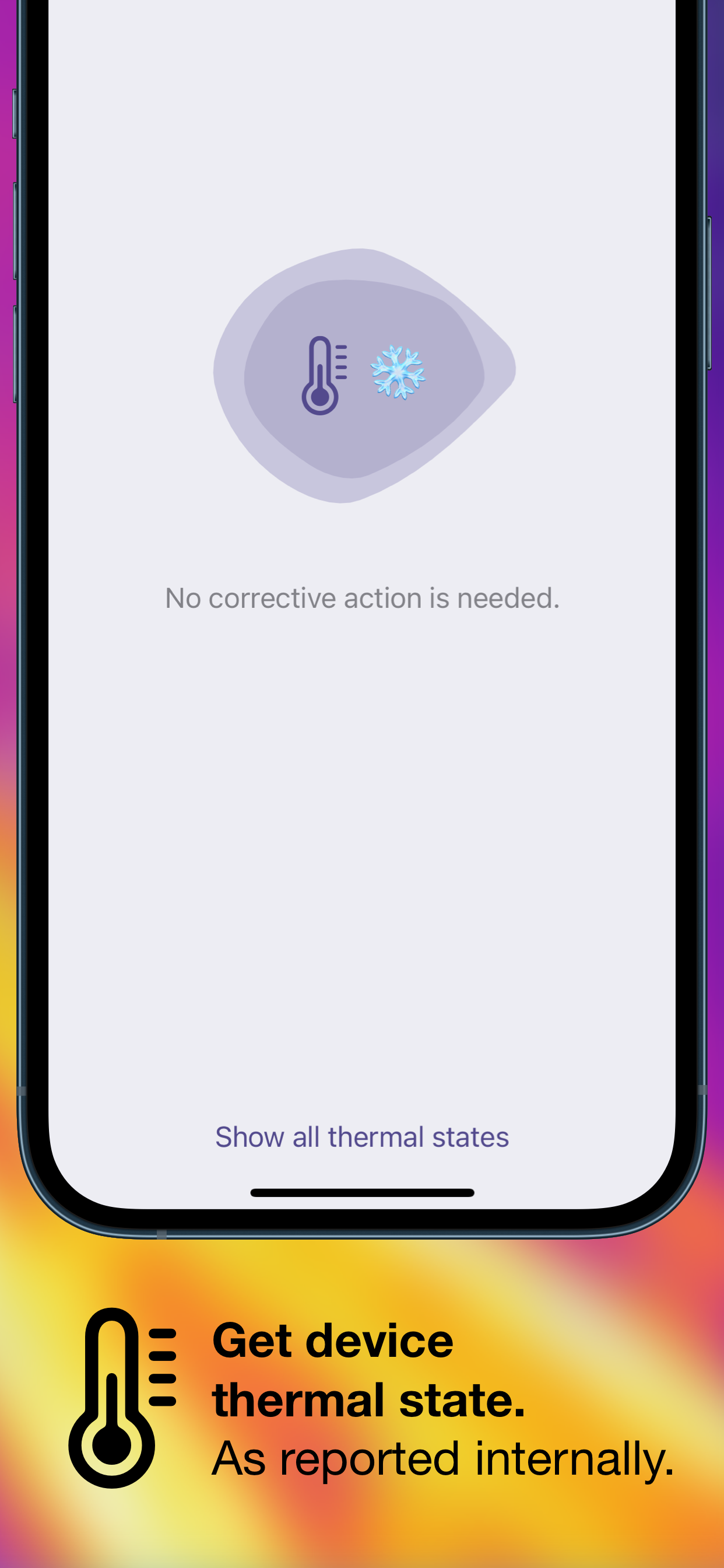
Thermals displays your device’s thermal state as reported by iOS.

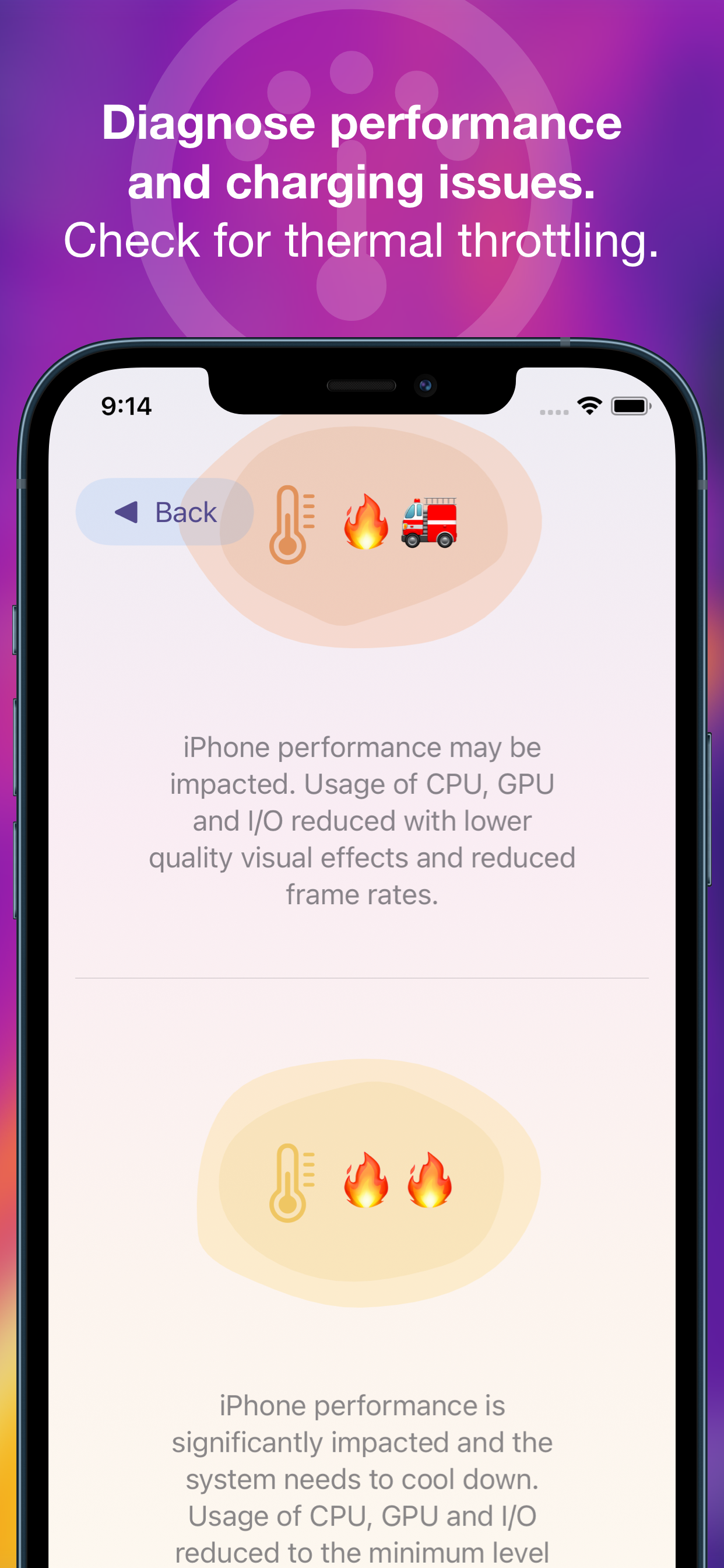
Thermals helps troubleshoot:

  • Poor performance — iOS reduces processor speed when the device is hot.
  • Slow charging — battery charging causes a lot of heat and iOS can limit charging speed to reduce the additional heat that might make a device too hot.
  • Low maximum brightness — if your device screen stays dark despite being on full brightness, it could be limited by iOS due to heat.

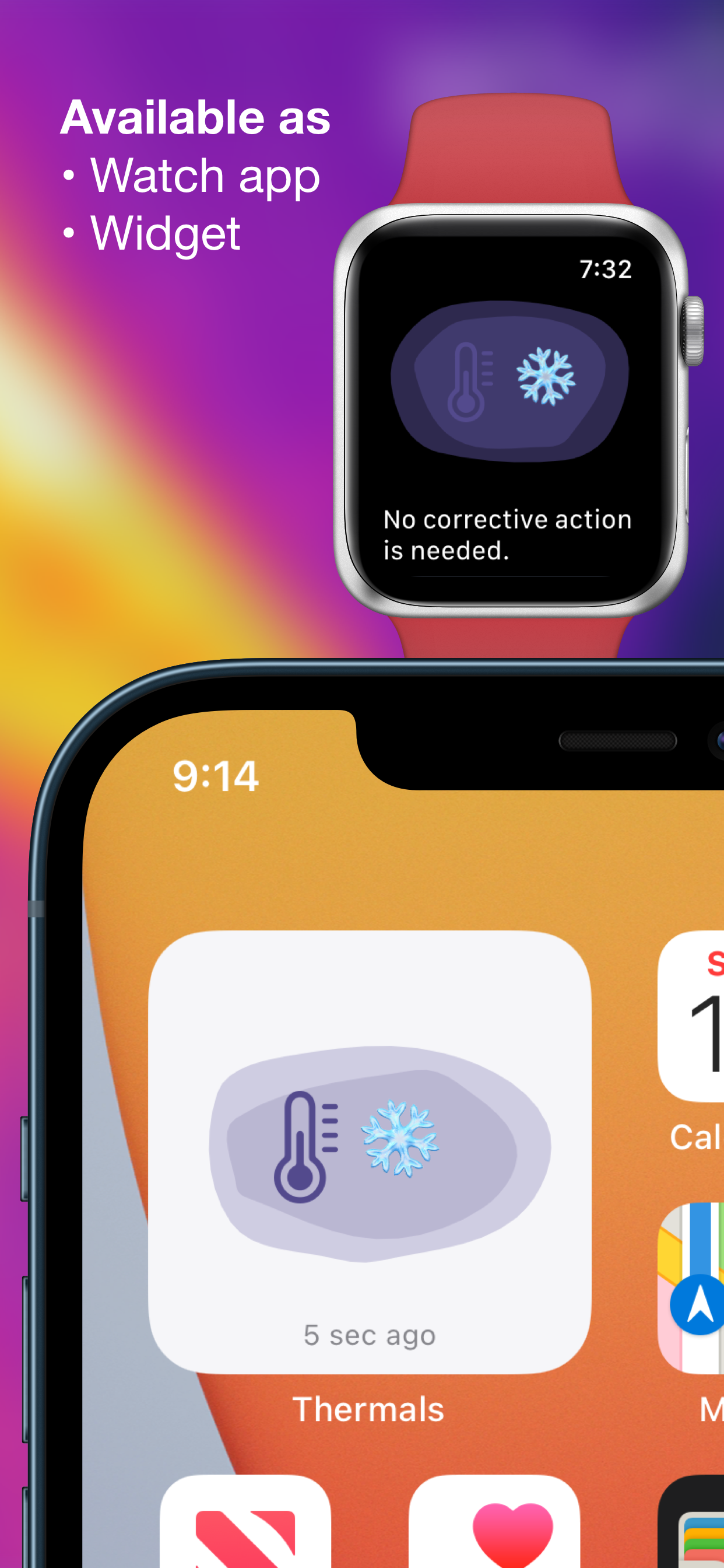
Also provides a widget to add to your home screen and an independent Apple Watch app to show the thermal status of your watch.


12 responses

Leave a Reply

Your email address will not be published. Required fields are marked *

  1. dimey
    3

    Widgets are broken in 18.2 beta

  2. Overheat
    1

    Hi my phone had a yellow icon that isnt part of your range. It looked like the tellow that meant cpu overheat but its a darker yellow

  3. iWatch Not Working
    1

    Hi - watch app not working on iOS27

    1. George Garside
      0

      The Thermals app on Apple Watch has been fixed in version 1.0.3, please update. Thanks for using Thermals!

  4. eucalyptus
    0

    Hi! I noticed a bug, specifically with the uptime counter. It counts down instead of up. Otherwise, it’s a brilliantly functional app.

  5. Will Fischer
    0

    Hi! For some reason in the last few months, the app doesn’t work on my Apple Watch Series 11. It just crashes every time I try to open it. I updated to 1.0.2 yesterday and it didn’t fix it. A UI rework for the watch app to make it look cleaner would also be nice!

    1. George Garside
      0

      The Thermals app on Apple Watch has been fixed in version 1.0.3, please update. Thanks for using Thermals!

  6. JD
    0

    I see you have an update for thermals that it will run in background? Is there an option to NOT have it run in background if we want

    1. George Garside
      0

      Settings → General → Background App Refresh and turn off Thermals. However, Thermals doesn't run continuously in the background, only when there's a change to thermal condition and only for some milliseconds to record that change and time. Thanks for using Thermals!

  7. RR
    0

    Hi - I’m new to Thermals. Love it. We are doing live baseball streaming out in the sun no knowing where the thermals are at is critical. Is the watch widget different to just having the app on the watch. When i select it, it goes large, then back to normal - nothing else happens. I’m on iOS 27 developer beta

    1. George Garside
      0

      The Thermals app on Apple Watch has been fixed in version 1.0.3, please update. Thanks for using Thermals!

  8. xav
    -8

    App is good. Would be Nice if you get a notification when iPhone is getting hot